


10 AI Tools That Can Save You Hours Every Week in 2026
From research and writing to meetings and presentations, these 10 AI tools can help you work smarter and reclaim valuable hours every week in 2026.
A few years ago, most AI tools felt experimental.
Today, they're becoming part of everyday work.
Professionals are using AI to research faster, write better, summarize meetings, create presentations, organize information, and even build applications without starting from scratch.
The challenge isn't finding AI tools.
It's figuring out which ones are actually worth using.
In this article, we'll explore 10 AI tools that can genuinely save time and help professionals focus on more meaningful work.
1. ChatGPT
Best for: Writing, brainstorming, planning, and problem-solving.
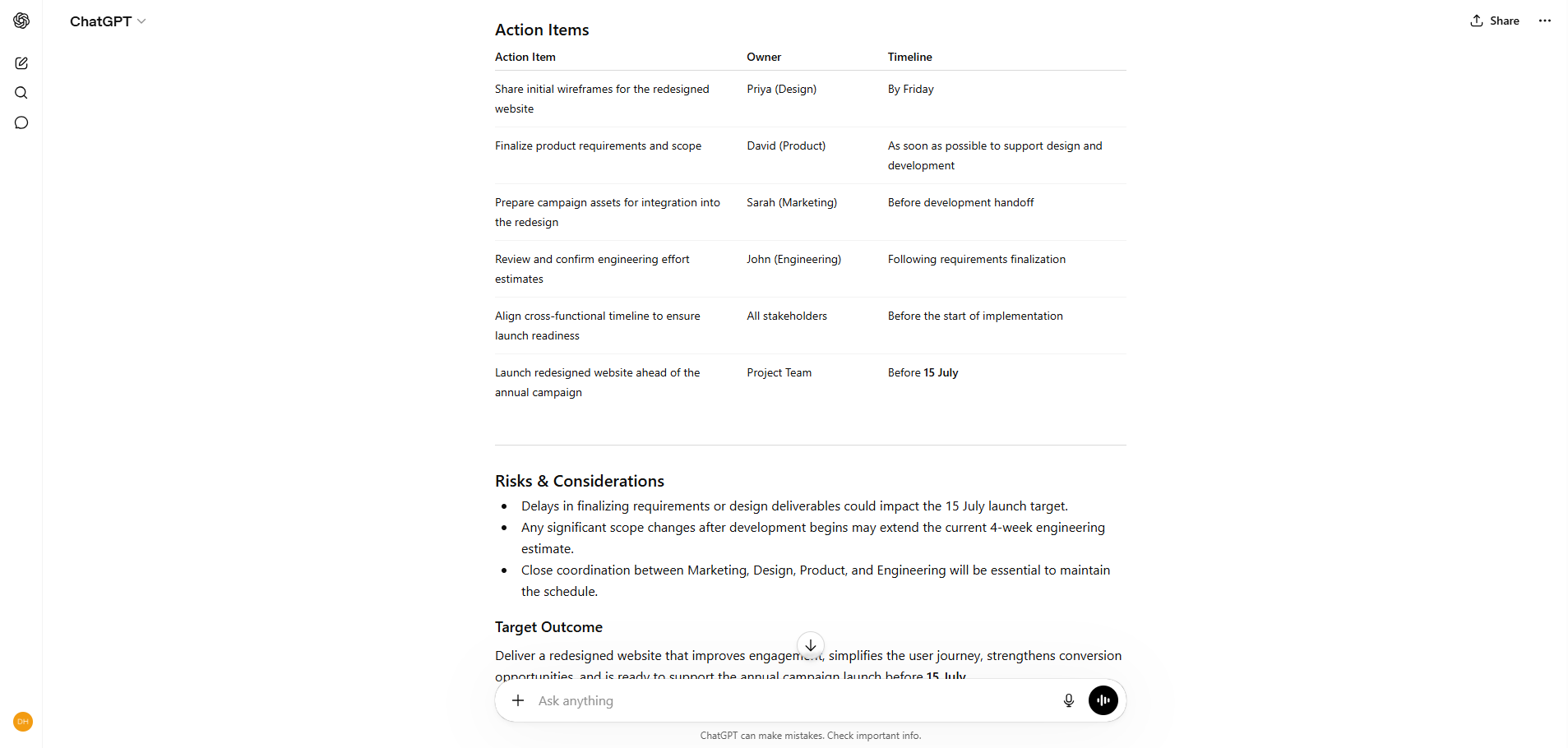
ChatGPT has become one of the most widely used AI assistants because of its versatility. Whether you're drafting an email, generating ideas for a presentation, simplifying complex topics, or creating the first draft of a report, it can help reduce the time spent staring at a blank page.
What it helps with:
- Drafting emails and messages
- Brainstorming ideas
- Summarizing information
- Creating content outlines
- Explaining complex concepts
Pro Tip: Save your best prompts for recurring tasks. A good prompt library can save even more time.
2. Claude
Best for: Long-form writing, document analysis, and thoughtful reasoning.
Claude shines when working with lengthy documents and detailed information. It can review reports, identify key insights, compare documents, and provide structured responses without losing context.

What it helps with:
- Reviewing reports and PDFs
- Summarizing lengthy documents
- Research synthesis
- Identifying themes and patterns
- Generating structured outputs
Pro Tip: Upload a report and ask Claude to highlight risks, opportunities, and recommended actions.
3. Perplexity
Best for: Research and fact-finding.
Perplexity combines AI-powered answers with source references, making it a useful alternative to traditional search for many tasks. Instead of opening multiple tabs, you can get summarized answers along with the sources behind them.

What it helps with:
- Market research
- Learning new topics
- Competitive research
- Fact verification
- Source-backed answers
Pro Tip: Always review the sources provided to validate important information.
4. NotebookLM
Best for: Learning from your own information.
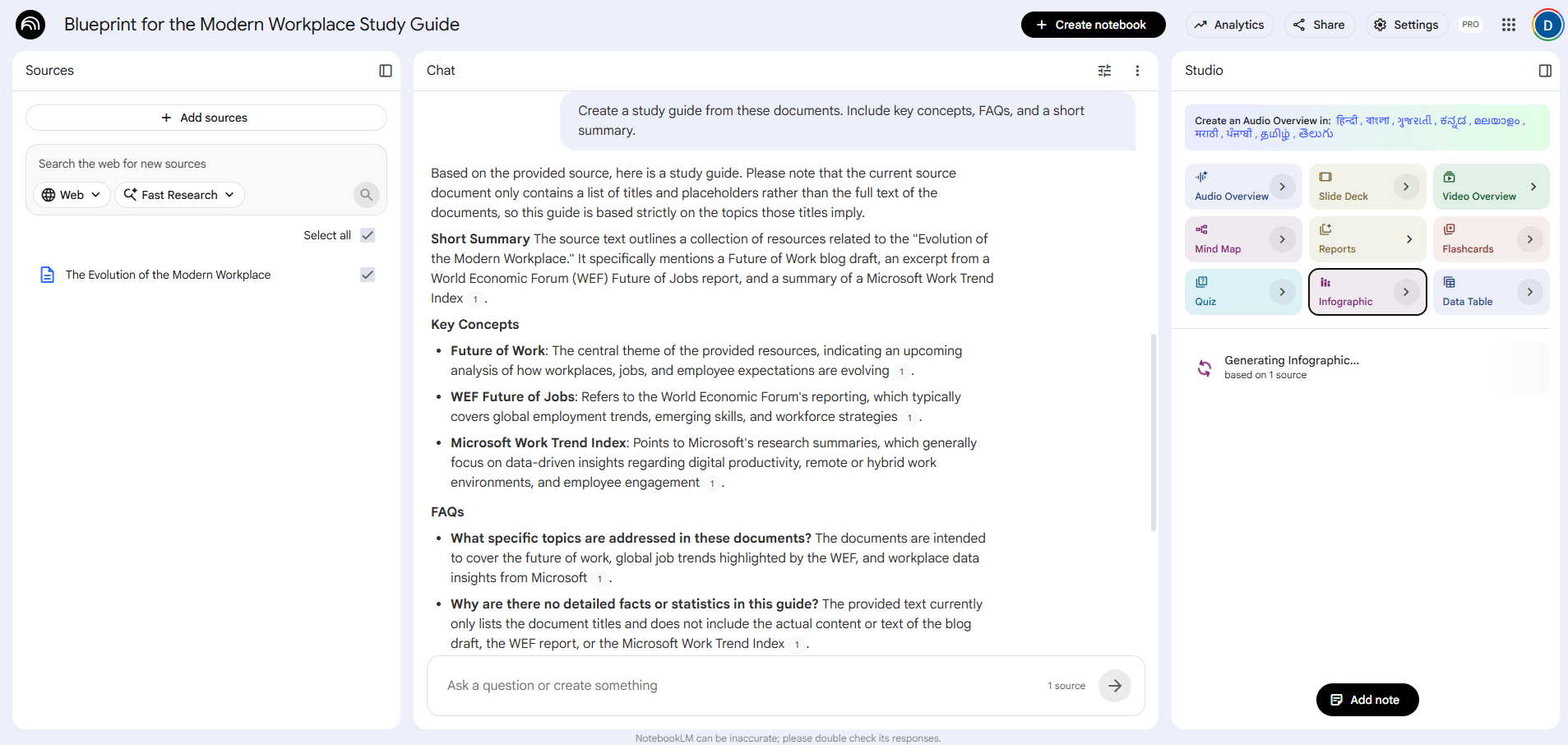
NotebookLM allows you to upload documents and interact with them through AI. It can answer questions, generate summaries, and even create audio-style overviews from your content.
What it helps with:
- Summarizing documents
- Creating study guides
- Exploring uploaded information
- Reviewing reports
- Understanding complex topics
Pro Tip: Upload multiple related documents to identify connections and recurring themes.
5. Gamma
Best for: Presentation creation.
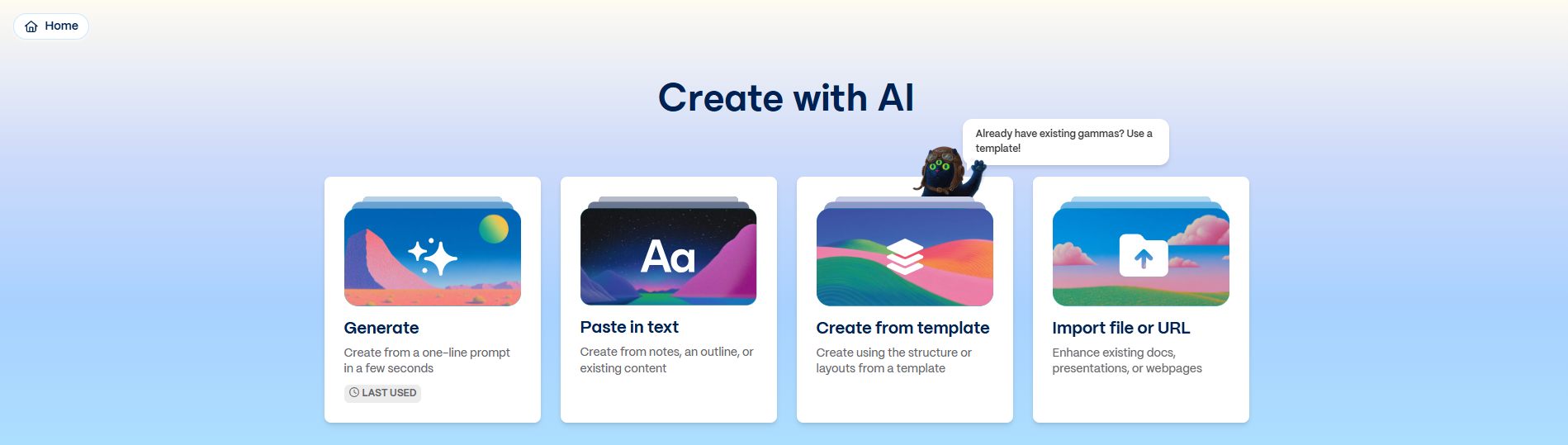
Creating presentations often takes longer than expected. Gamma helps transform ideas into polished presentations and documents without starting from a blank slide deck.
What it helps with:
- Presentations
- Proposals
- Internal documents
- Storyboarding ideas
- Structuring content
Pro Tip: Start with an outline rather than a finished script and let Gamma help shape the narrative.
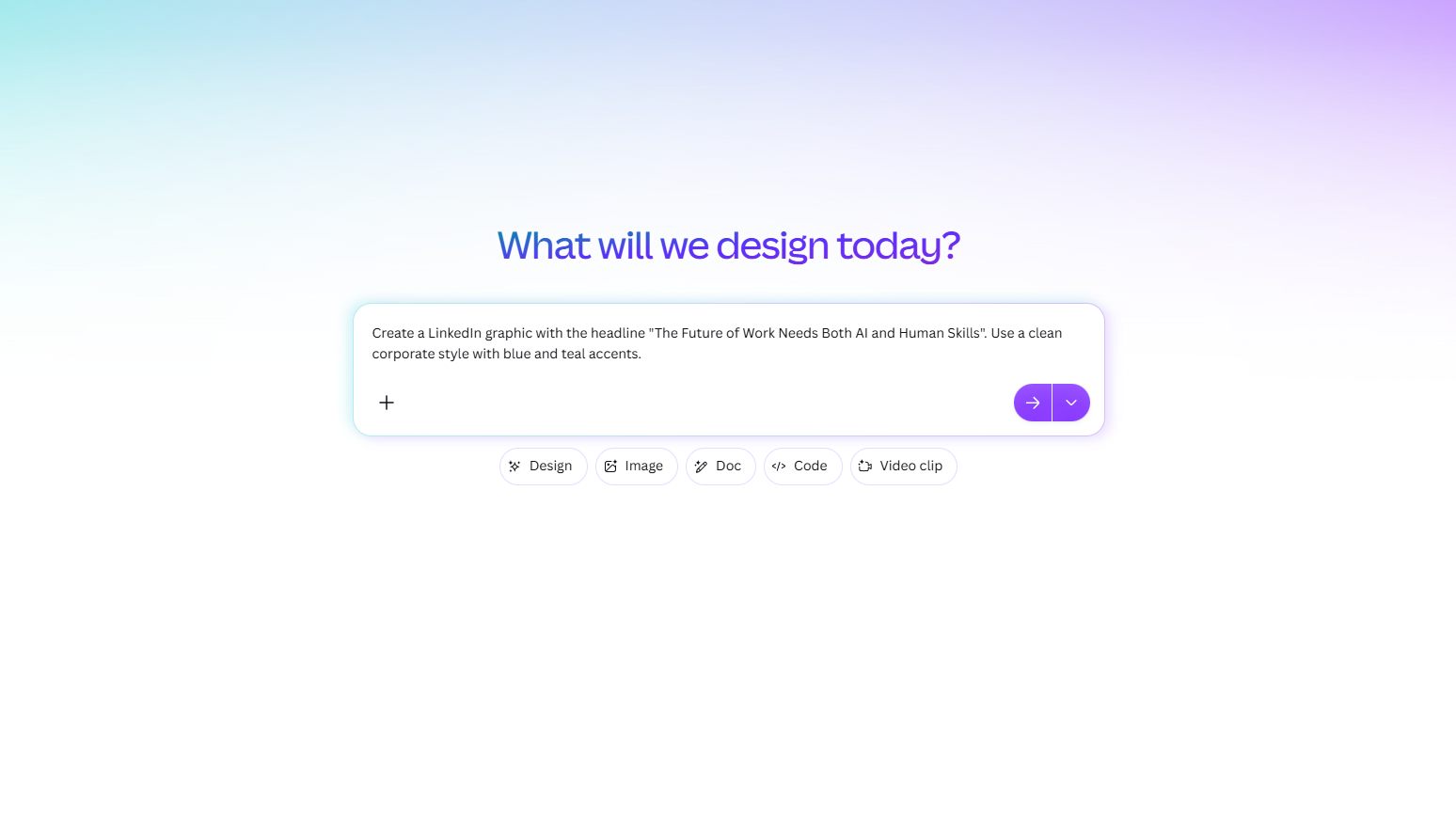
6. Canva AI
Best for: Visual content creation.
Canva's AI capabilities make it easier to create social posts, presentations, images, and marketing assets, even without professional design experience.
What it helps with:
- Social media graphics
- Presentations
- Marketing materials
- Image generation
- Video creation
Pro Tip: Use Magic Design to quickly explore different visual directions before refining the final version.
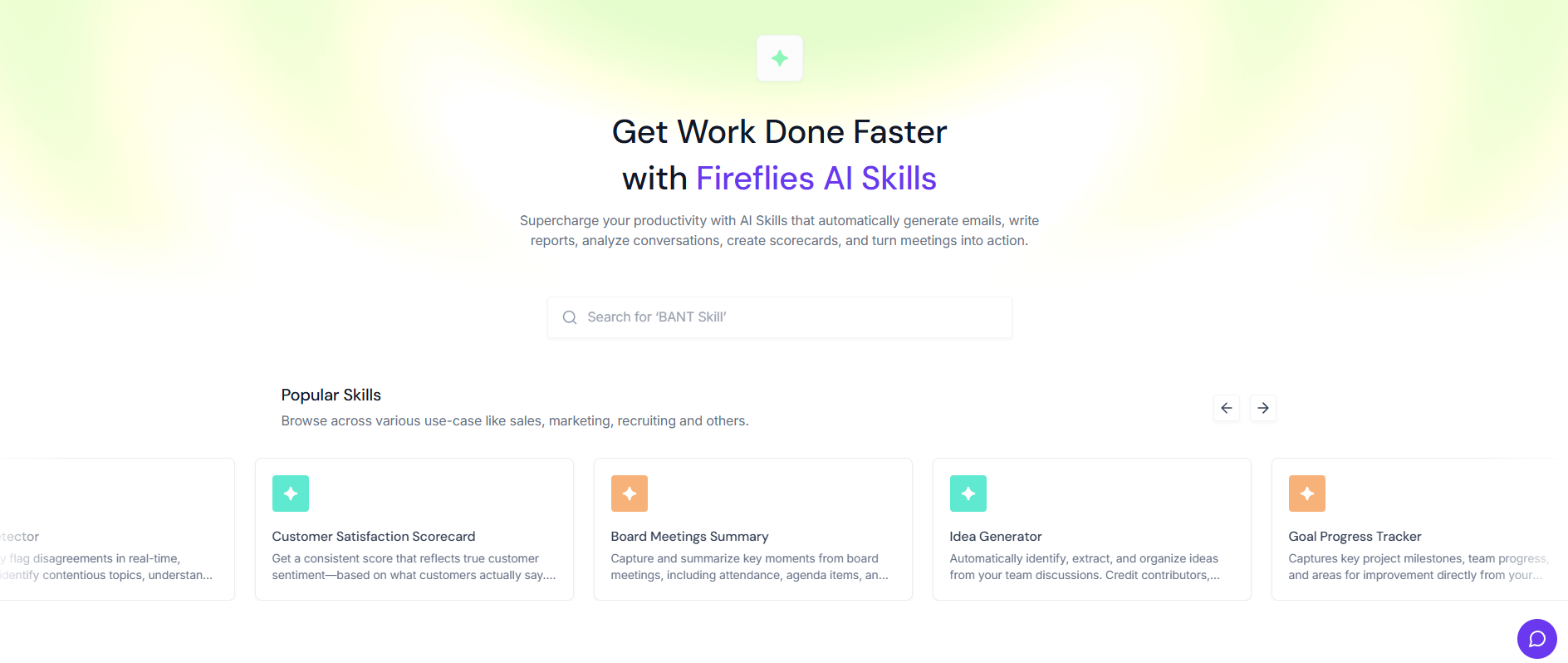
7. Fireflies
Best for: Meeting transcription and follow-ups.
Many professionals spend valuable time taking notes during meetings or trying to remember action items afterward. Fireflies automates this process.
What it helps with:
- Meeting transcriptions
- Summaries
- Action item tracking
- Searchable meeting records
- Follow-up preparation
Pro Tip: Use the search feature to revisit specific discussions instead of reviewing entire recordings.
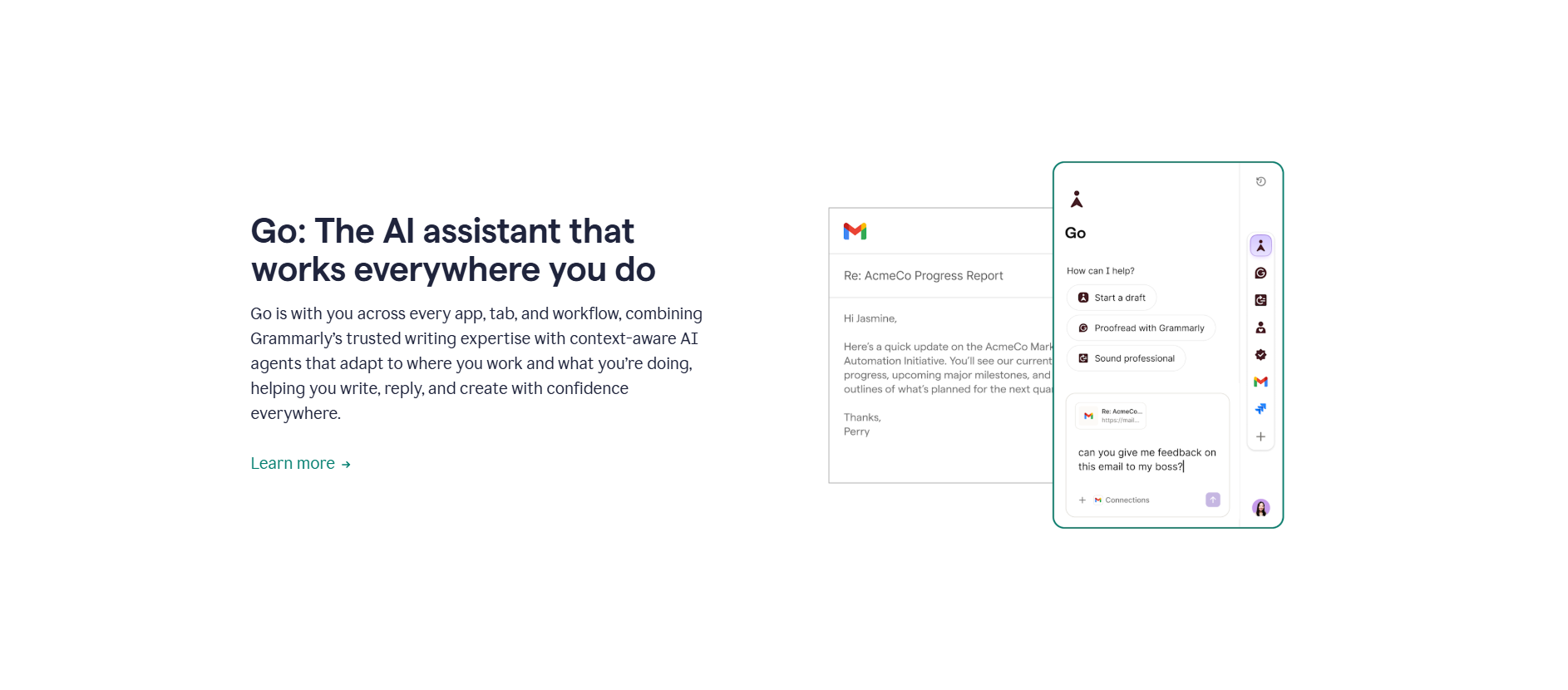
8. Grammarly
Best for: Improving written communication.
Even strong writers benefit from an extra layer of review. Grammarly helps improve grammar, clarity, tone, and readability across different types of communication.
What it helps with:
- Emails
- Reports
- Proposals
- Professional messages
- Tone adjustments
Pro Tip: Pay attention to clarity suggestions, not just grammar corrections.
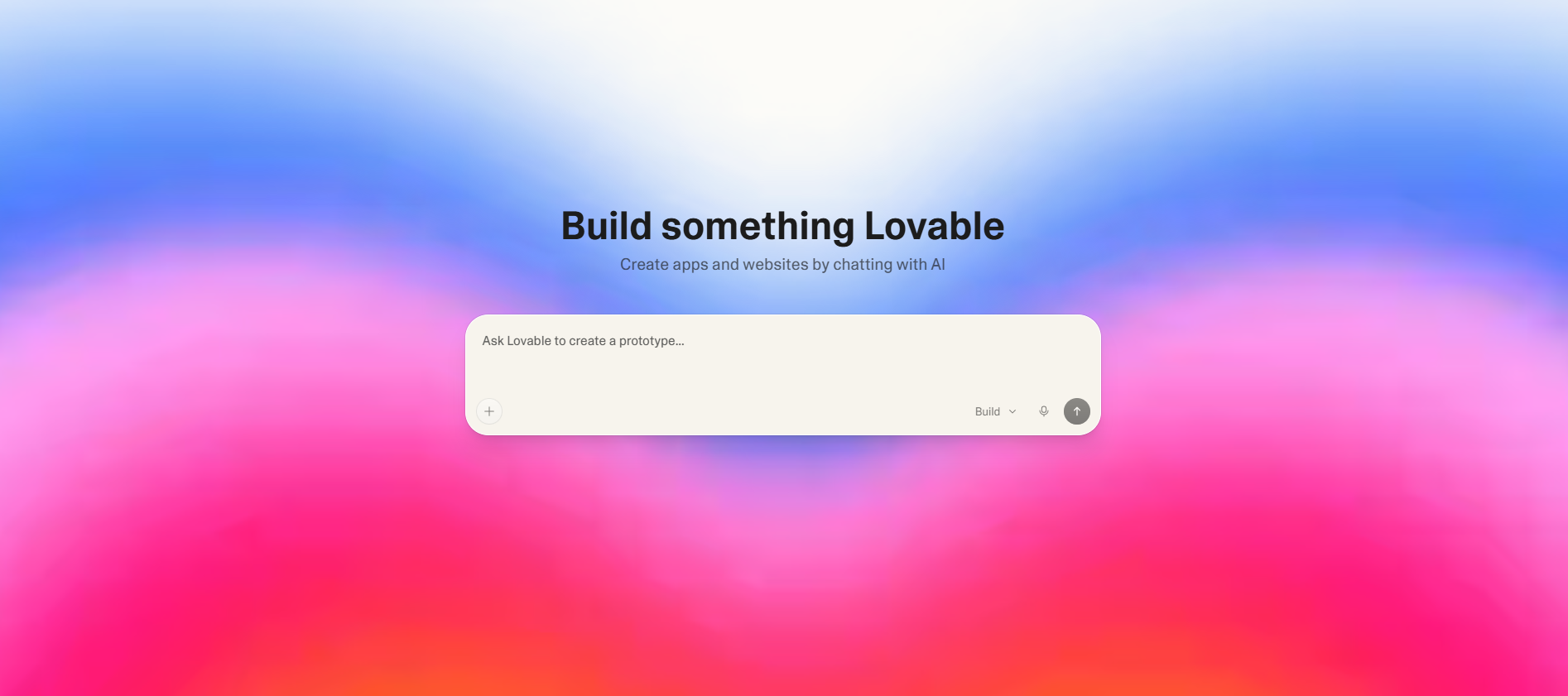
9. Lovable
Best for: Turning ideas into working applications.
Lovable allows users to build applications and prototypes using natural language instructions. It lowers the barrier to experimentation and rapid validation.
What it helps with:
- Internal tools
- MVPs
- Prototypes
- Workflow experiments
- Product validation
Pro Tip: Start small. Build one workflow first before expanding into more complex functionality.
10. Google Flow
Best for: Creating videos quickly.
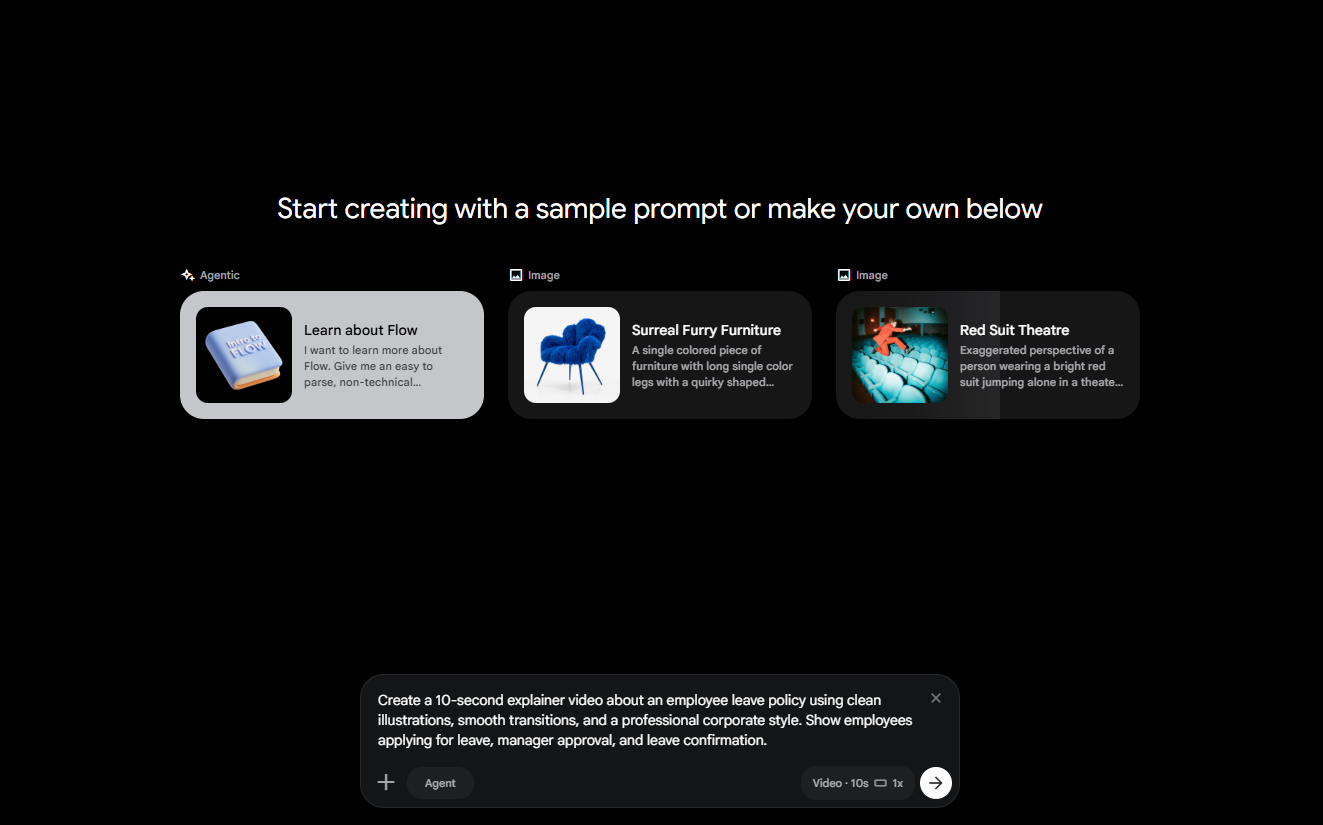
Video content continues to grow in importance, but production can be time-consuming. Google Flow helps generate videos from prompts, making it easier to create explainers and visual stories.
What it helps with:
- Explainer videos
- Product showcases
- Internal communications
- Social media content
- Storytelling
Pro Tip: Begin with short videos and refine them based on feedback and performance.
The Real Opportunity
The goal isn't to use every AI tool available.
Most professionals don't need dozens of subscriptions or complicated workflows.
They need a handful of tools that naturally fit into the way they already work.
AI can help reduce the time spent on repetitive tasks like note-taking, formatting, drafting, searching, and organizing information.
That extra time can then be invested in work that requires creativity, judgment, communication, and strategic thinking.
Final Thoughts
AI isn't about replacing professionals.
It's about helping professionals focus on the work that matters most.
The most productive people aren't necessarily the ones working the longest hours.
They're the ones who know when to automate routine tasks and where to apply their uniquely human strengths.
You don't have to adopt every new tool that appears.
Start with one or two that solve real problems in your day-to-day work. Experiment, learn what works for you, and build from there.
Because working smarter isn't about doing more.
It's about making more time for the work only you can do.
Which AI Tool Should You Start With?
If you're just getting started:
- For writing and brainstorming: ChatGPT
- For research and analysis: Claude or Perplexity
- For presentations: Gamma
- For meetings: Fireflies
- For visual content: Canva AI
- For learning: NotebookLM
The best AI tool isn't necessarily the most powerful one.
It's the one you'll actually use consistently.